Be yourself; Everyone else is already taken.
— Oscar Wilde.
This is the first post on my new blog. I’m just getting this new blog going, so stay tuned for more. Subscribe below to get notified when I post new updates.
Be yourself; Everyone else is already taken.
— Oscar Wilde.
This is the first post on my new blog. I’m just getting this new blog going, so stay tuned for more. Subscribe below to get notified when I post new updates.

Tbh it doesn’t matter much unless you’re freaky gamer. An IPS panel is known for colour accuracy than their other siblings VA or TN panels. It has better viewing angles and colour reproduction with contrast ratios. Now a traditional TN panel will offer higher refresh rates and response times, which may benefit a gamer more. Not to mention TN panels are much more affordable 😐 with a compromise on washed out displays , but eh! it does it jobs. A typical VA panel has comparable viewing angles to an IPS, and even better contrast ratios but all these come at a big trade off for ghosting and backlight bleeding which is much more undesirable.
Nonetheless , this monitor offers a 5ms of response time along with 60Hz refresh rate. Not fancy specs by any means but oh boi the visual quality is top notch! (obviously not as good as a 4K). Its a decent choice for video editing or CAD applications.
PS: Response times are basically how fast the pixels change colour. In other words, it is the time lag between you moving your mouse physically and subsequent displacement of the pointer. A lower response time will decrease the infamous mouse/dialog box trails(aka ghosting). Its practically impossible to spot ghosting below 8ms.
PPS: Refresh rates are basically number of frames a screen produces per second (aka frequency hence Hz). A higher refresh rate will result in a smoother motionflow.
PPPS: Practically speaking, your eyes won’t even spot any difference above 144Hz. Anything above it is basically a marketing gimmick for burning your cash!
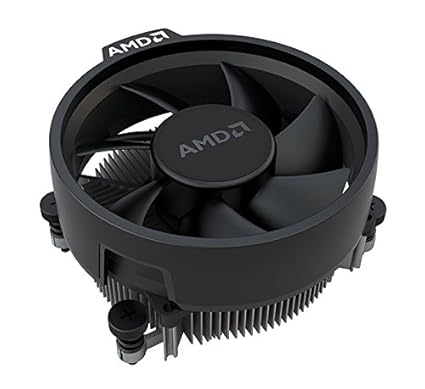
For most people, the stock cooler will just do the job fine. For professional/heavy gamers/overclocking enthusiasts, a dedicated cooler with heat fins is always appretiated. People with deeper pockets should definitely go for water cooled systems!
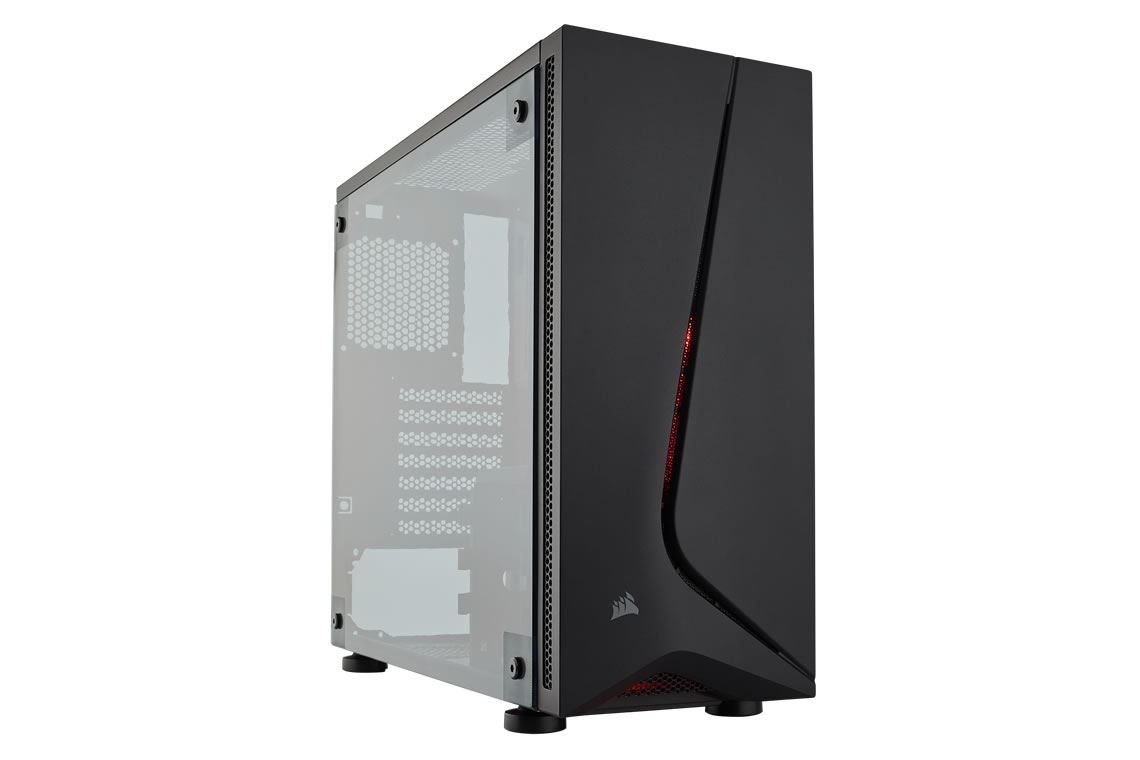
The cheapest one will do the job based on ATX or mATX/ITX motherboards. Thermal management is always a bitch, just have to make sure that it has fair amount of forced ventilation through cooler fans with a decent air intake. A compact cabinet is always aesthetically appealing, but let’s not compromise any raw processing horse power over it! (Unlike Mac)

DO NOT cheap out on the Power Supply Unit. Its not as simple as adding up the wattage of the components and buying the closest rated of the available ones. A cheap PSU may output the wattage required but it may not stay there without fluctuations, which can damage components. A typical reliable PSU is categorized by its efficiency ratings (80 plus bronze/silver/gold). What it means is for every 100W drawn from the grid, atleast 80W will be supplied to the internal components and the rest is dissipated as heat. In my experience, the wattage is widely dependent on your GPU. My budget restricted me to get a non-modular one. 😐
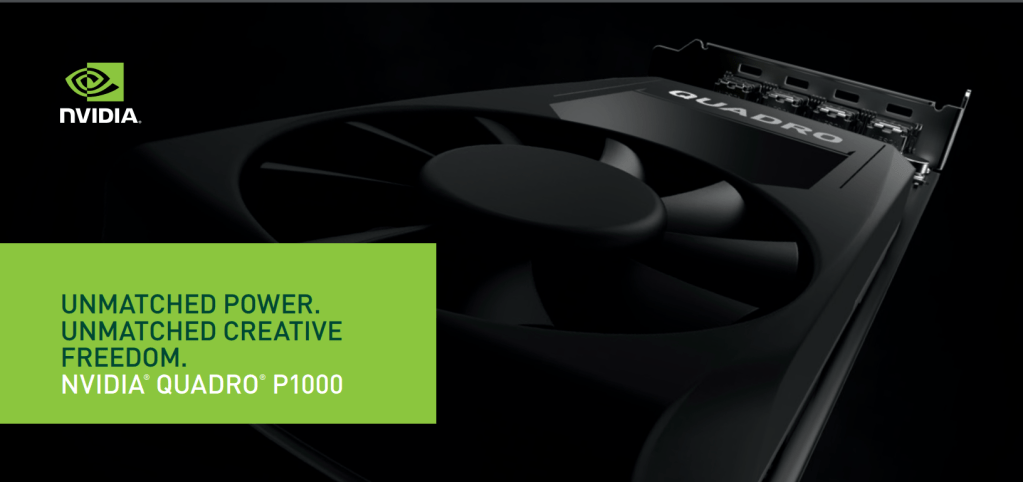
Most people don’t know workstation GPU line-up exists and is fairly different than the regular gaming ones. Not particularly their fault as companies tend to advertise their fancy RGB gaming GPUs much more aggressively. A common stereotype regarding GPU performance is based on their memory size which overshadows the tech and thermals which affect the graphics more. While a gaming GPU is focused on generating higher FPS for heavy AAA titles , a workstation GPU is particularly optimised for precision rendering and CAD applications. Another difference between the two is that a workstation GPU is much less power hungry and thus have lower TDP ratings. As a result, it has better thermals than a gaming card and won’t throttle as easily. Since these are normally bought by tech enterprises who specialise in CAD applications and can pay a premium for it, unlike the consumer oriented gaming GPUs, the economics of a WS GPU production supports a better build quality with premium materials for heat dissipation resulting in a robust and compact form factor. Interestingly, Quadro P1000 has such a low TDP rating that it survives on PCIe slot power alone without an external juice from the PSU.
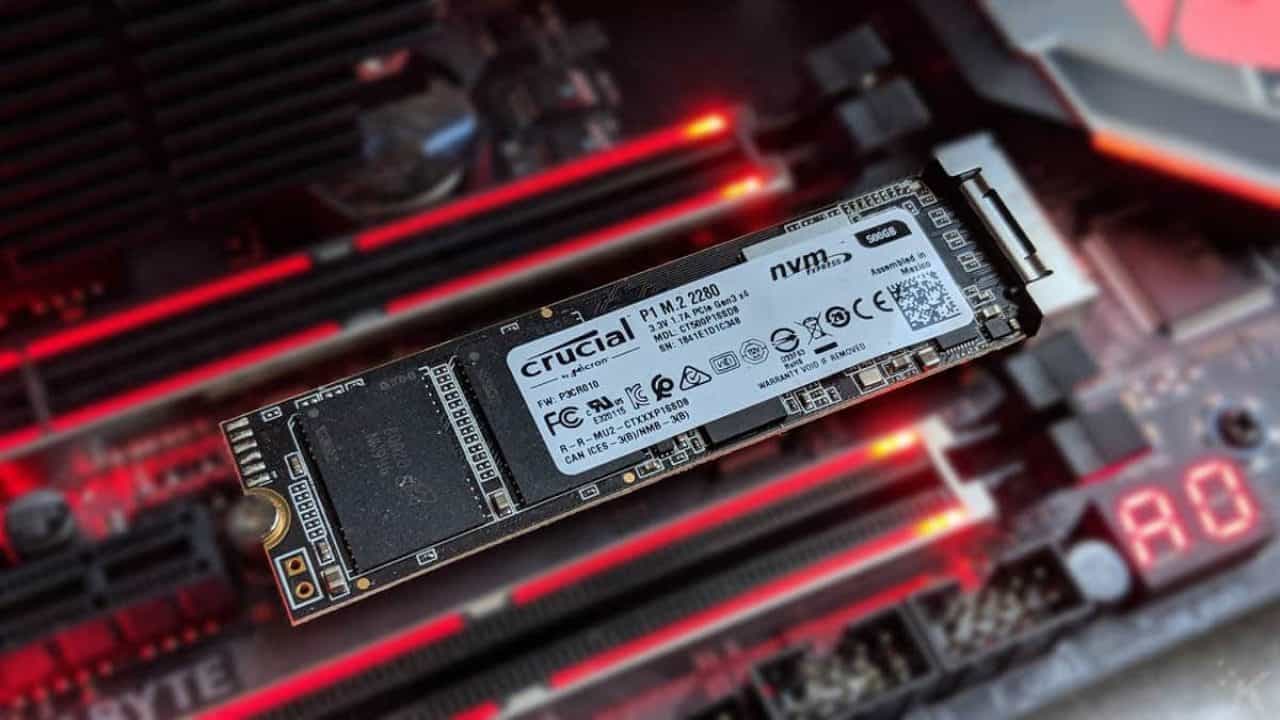
Crucial P1 1TB plugs in the M.2 slot and follows NVMe protocol. This QLC SSD with 100TBW provides the most optimal price to performance ratio. It saves the hassle of connecting it to a power supply and a data cable giving a much cleaner build with a lightning fast data storage speed as compared to regular SATA interface drives. Being a 3D NAND drive it may arise concern regarding total drive write life, its really not unless its intentionally abused. These will become obsolete way before it wears off in normal daily usage. The much advertised Sequential read/write speed is no-doubt slower than the more common TLC drives but its quite impractical for day-to-day usage applications. But interestingly, the more practically used Random read/write speeds is fairly comparable to the twice as expensive TLC(3 bits per cell) drives. In a nutshell, if one overlooks the fancy/impractical advertised R/W speeds, you can get 2TB QLC as compared to 1TB TLC drive, without losing on performance(practically) Fuck you Samsung! Making this as the boot drive rather than a data drive will provide an incredible boost to the system performance.
16GB(8GB x2) DDR4 overclocked to 3200MHz (2100MHz baseclock) with a CAS Latency of CL16. G.Skill TidentZ neo series modules are optimised for AMD processors allowing them to be overclocked to their fullest potential. The RGB on the module looks really dope attracting flies and human eyes simultaneously! 😀 A pro-tip while buying- DO NOT ignore CAS Latency, its inversely proportional to operating frequency, meaning a 3600MHz CL18/19 will perform the same as 3200MHz CL16. Yes, normal RAM modules will work but may or may not perform beyond their baseclock. No, you won’t see much of a difference but I’m nitpicky about that extra performance juice my rig can offer!

AMD 3rd gen Ryzen 5 3.7GHz(baseclock) which launched a couple of months before offers 6 cores and 12 threads which is more than enough raw horse power for heavy rendering at an unbeatable price to performance ratio. To take a step further I overclocked my CPU performance from 3.7Ghz to 4.2GHz, keeping in mind the added performance are complimented by increased thermals which should not be neglected as it can warp the motherboard by overheating. Cinebench multi-core and single core results are pretty convincing when you compare it with 8C/16T Ryzen 7 1700X(multicore) and 16C/32T Threadripper or Core-i7 7700K(single-core).
PS: Check out the new Ryzen 3950X- its THE productivity monster, period!

MSI offers the best build quality and reliability in the mid-range B450 chipset motherboards. Tomahawk being their bestseller and most popular of them all will ensure more frequent and up-to date bios updates which are important for bug fixes and optimal performance. Although there are other AM4 socket mobos from msi as well which may be lower or higher in cost based on the quality of the heatsinks on the VRMs which gets insanely hot during heavy processing and may throttle the performance of the build overall. Being a full size ATX mobo gives it ample space to incorporate 4 DIMM slots ,3 PCIe x1 slots, 2 PCIe x16 slots for gpu crossfire (with one of them being reinforced with metallic chasis ensuring extra stability for your big ass heavy GPUs, thanks MSI) gives enough room for future upgradation of your build .The I/O panel is fairly featureful with all the standard layout with 1gig ethernet port and a usb type-c along with realtek hd audio drivers as added features. Although this mobo doesn’t come with in-built wifi and bluetooth card but that’s not a deal breaker anyways and can be installed manually(as I did).The bios is fairly simple to understand with GUI capability making OCing your components quite easy. The red LEDs on the egde gives it a good aesthetic feel to the transparent panel builds, which makes this one of the best bang-for-the-buck purchase

